
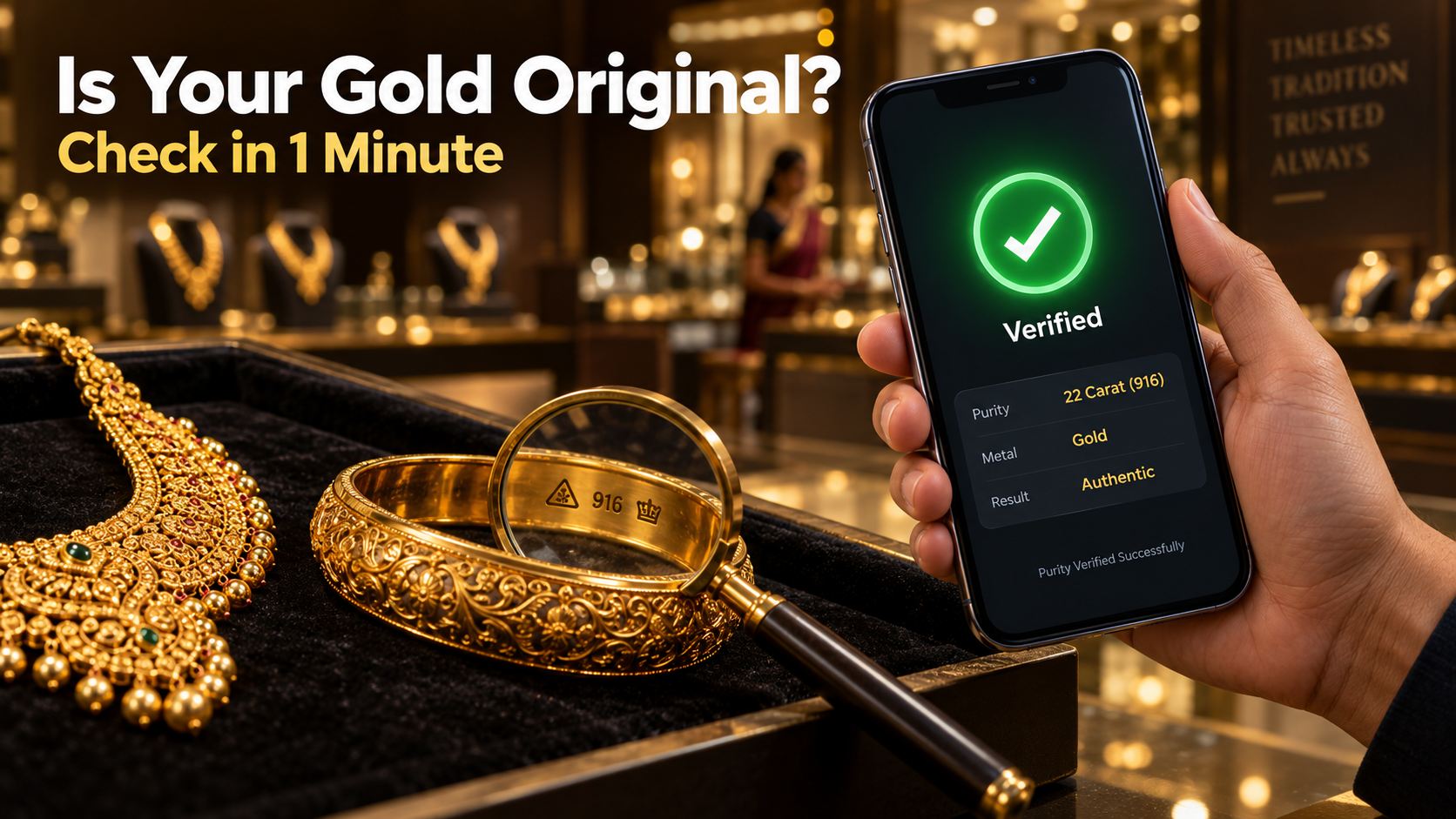
Buying gold is never a small decision in an Indian family. Whether it is a chain for a wedding, earrings for a festival, or a coin kept aside as savings, every gram costs real money. Yet most of us trust only the shop’s name and the bill in our hand. But what if the ring marked 22 carat is actually of lower purity?
You no longer have to guess. The Bureau of Indian Standards (BIS), the government body that certifies gold purity in India, offers a free mobile app called BIS CARE. With it, you can check whether hallmarked jewellery is genuine in less than a minute. This guide explains how the app works, what to look for on your jewellery, and what to do if something does not match.
What Is the BIS CARE App?
BIS CARE is the official app of the Bureau of Indian Standards. It is listed under the Government category on Google Play, has more than 10 million downloads, and is free to use.
The app lets you verify the HUID number on hallmarked gold jewellery, check the licence number behind an ISI mark, and verify the CRS registration number on electronic items. It also has a complaints section to report fake hallmarks, misuse of BIS marks, or poor-quality certified products. For gold buyers, the HUID verification feature is the one that matters most.
Understanding the Hallmark on Your Gold
Hallmarking of gold jewellery has been mandatory in most districts of India since 2021, and from April 2023, jewellers cannot sell hallmarked gold jewellery without a six-digit HUID. A genuine hallmarked piece today carries three marks:
- The BIS standard mark, a small triangle-shaped logo showing the item was hallmarked under BIS rules.
- The purity grade, written as carat and fineness together, such as 22K916, 18K750 or 14K585. The number 916 means the gold is 91.6 percent pure, which is 22 carat.
- The HUID, a unique six-character alphanumeric code such as AB1234, laser-engraved on the piece.
HUID stands for Hallmark Unique Identification. Think of it as an Aadhaar number for your jewellery. No two pieces share the same code, and every code is linked to a record in the BIS database created at the time of hallmarking.
These marks are very small. They are usually engraved on the inner side of a ring, near the clasp of a chain, or on the hook of an earring. Most jewellers keep a magnifying glass at the counter, so feel free to ask for one.
Jewellery bought years ago, before the HUID system started, may not carry this code. That does not automatically mean it is fake, but the app will not be able to verify it.
How to Verify Gold Using the BIS CARE App
- Install the app. Search for “BIS CARE” on the Google Play Store and install the app published by Bureau of Indian Standards. An iPhone version is also available on the App Store. Always check the developer name to avoid lookalike apps.
- Register or log in. Sign up with your name, mobile number and email address, then confirm your account with the OTP sent to your phone.
- Open the HUID option. On the home screen, tap “Verify HUID”.
- Enter the code. Type the six-character HUID exactly as it appears on the jewellery. Be careful with look-alike characters such as the letter O and the number 0.
- Check the result. If the HUID is valid, the app shows details linked to that piece, such as the purity, type of article, gross weight, hallmarking date and information about the hallmarking centre that tested it.
What to Compare in the Result
Getting a result is only half the job. The real check is making sure it matches the jewellery in your hand.
First, look at the purity. It should match both the grade engraved on the piece and the purity on your bill. If the jewellery says 22K916 but the app shows 18K750, something is wrong.
Next, check the article type. If you are holding a bangle but the app says the HUID belongs to a pendant, the code may have been copied from another item.
Then look at the weight. The gross weight recorded during hallmarking should be close to what the jeweller weighed in front of you. A large gap is a clear warning sign.
If the app shows no record for the HUID, retype the code carefully and try again. If it still fails, do not complete the purchase until the jeweller gives you a proper explanation.
Verify Before You Pay
The best time to use BIS CARE is at the shop counter, before billing. Ask the jeweller to show you the HUID and verify it on your phone right there. A genuine jeweller will have no problem with this.
Also make sure your bill mentions the HUID of each item, the purity, the net weight, the gold rate of the day and the making charges as a separate line. This bill becomes your strongest proof if you ever need to raise a complaint.
What to Do If Something Does Not Match
If the details do not match or you suspect a fake hallmark, you can file a complaint directly through the app.
- Open BIS CARE and tap “Complaints”.
- Choose the complaint type, such as misuse of the hallmark or sub-standard quality.
- Fill in the jeweller’s name, address and the HUID number.
- Attach photos of the jewellery, the bill and a screenshot of the app result.
- Submit the complaint.
You will receive a complaint number on your mobile and email for follow-up.
For complete certainty, you can also get your jewellery tested at a BIS-recognised Assaying and Hallmarking Centre for a small fee. Under BIS hallmarking rules, if a hallmarked article is found to be of lower purity than marked, the buyer is entitled to compensation from the seller, calculated at twice the value of the purity shortfall along with the testing charges.
Other Useful Features in BIS CARE
The app is not limited to gold. Using “Verify Licence Details”, you can enter the licence number printed with the ISI mark on products like helmets, pressure cookers or electrical wires and see the manufacturer’s details and licence validity. The “Verify R-No. under CRS” option lets you check the registration number on electronic items such as mobile chargers and power banks, which is worth doing before buying from an unknown seller.
What the App Cannot Do
BIS CARE confirms that an HUID is real and shows the details recorded in the BIS database. It does not physically test the metal in your hand. In rare cases, someone could engrave a genuine HUID from another piece onto a fake item. That is why matching the article type, purity and weight matters, and why buying from a reputed, BIS-registered jeweller is still important.
A Small Habit That Protects Your Money
Gold prices keep rising, and so does the risk of being cheated. The BIS CARE app gives every buyer a simple, official way to confirm what they are paying for. Keep it on your phone, use it every time you visit a jewellery shop, and share this guide with your family. It takes less than a minute and can save you from a costly mistake.