
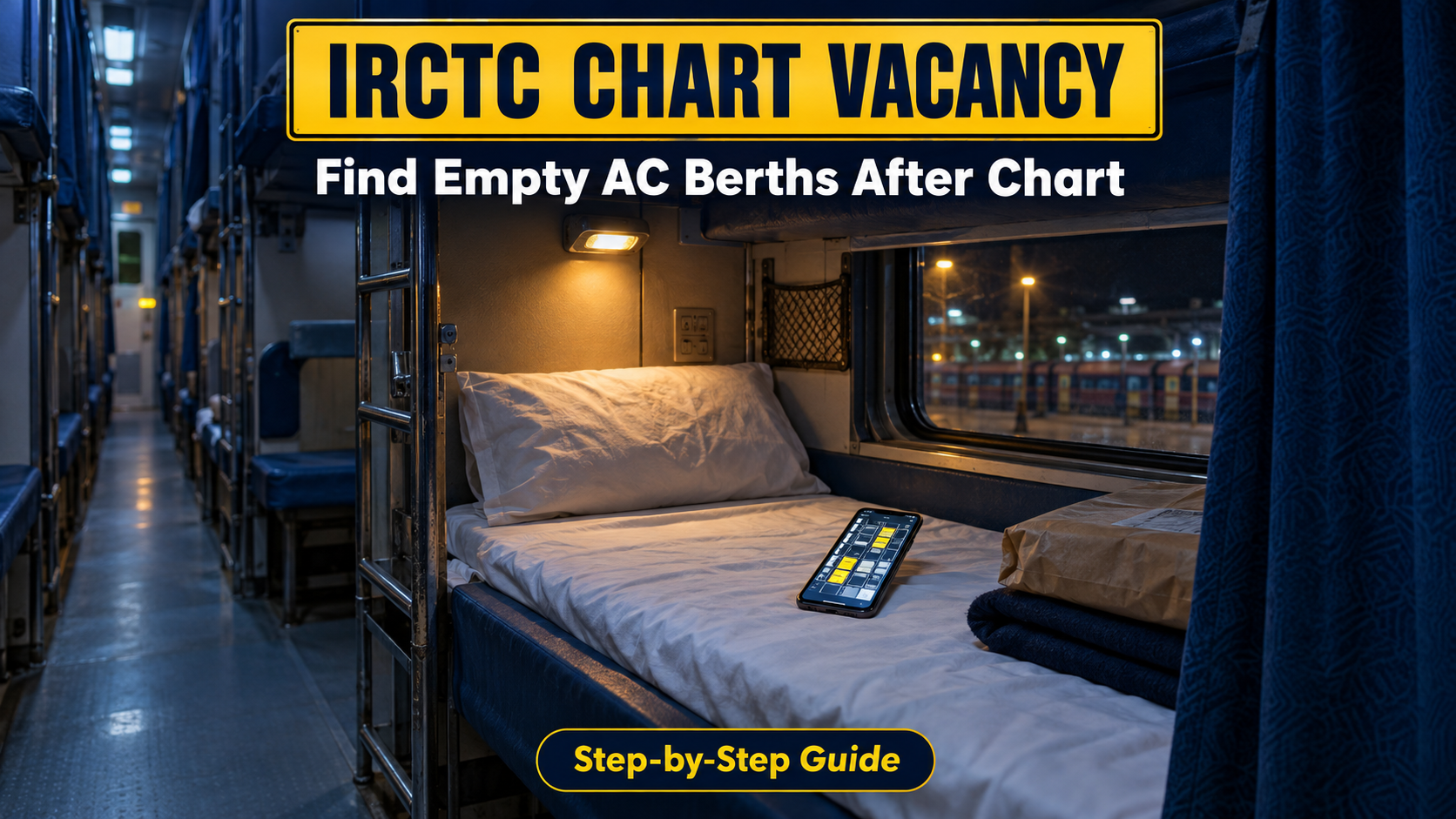
This IRCTC Chart Vacancy guide is from ReelsTamil.com. Let us talk about a situation we have all experienced at least once in our lives. You suddenly need to travel to another city for an urgent family function or a business meeting. You pick up your smartphone, open your train ticket booking app, and search for trains. But luck is not on your side. Every single train on that route shows a massive waiting list. The tickets are entirely sold out for the next three weeks, and you really need to reach your destination today. It is an incredibly frustrating moment for any passenger.
When this happens, travelers usually make one of two difficult choices. Some people decide to open a bus booking app and spend three times the original money to book a private sleeper bus. Private bus operators charge huge amounts at the last minute, and the bumpy journey is rarely as comfortable as a smooth train ride. Other people take a deep breath, go directly to the railway station counter, buy a cheap unreserved general ticket, and prepare for a very tough journey.
If you have ever traveled in an unreserved train coach in our country, you know exactly how painful it can be. There is absolutely no place to sit. You are forced to stand near the doors or toilets for six hours while holding your heavy luggage. As the train moves, you watch the premium Air-Conditioned coaches pass by, wishing you had booked your tickets two months in advance.
But what if the ReelsTamil tech team told you there is a hidden, entirely legal trick to solve this? What if you could buy that cheap general ticket, board the train safely, and then legally move into a highly comfortable AC seat? Thanks to a special digital feature inside the railway ticketing system called the IRCTC Chart Vacancy, you can actually do this. In this detailed guide, we will show you exactly how to use your mobile phone to find empty seats on a moving train and upgrade your travel class without paying any illegal bribes or penalty fines.
The Secret Behind Empty Seats on Waitlisted Trains
Before you learn how to hunt for seats on your smartphone, you need to understand the basic logic behind the Indian railway server. Many people ask a very logical question: “If there is a waiting list of 150 people online, how can there be completely empty seats inside the actual train?” The answer lies in how the final reservation charts are prepared.
When you check ticket availability a week before the trip, you are looking at the normal public booking pool. But the actual finalized passenger chart is prepared exactly four hours before the train leaves its starting station. A second final update happens roughly thirty minutes before the departure time. During this specific window, the normal online booking is frozen, and several premium seats suddenly become vacant. Here is exactly why this magical shift happens:
- Unused Special Quotas: Indian Railways officially blocks dozens of seats for specific categories. These include VIP quotas, defense personnel quotas, parliament members, and emergency medical seats (HO quota). If these designated people do not travel on that day, their reserved seats remain totally empty and are instantly released back into the public system.
- Last-Minute Cancellations: Human life is unpredictable. Passengers often cancel their confirmed e-tickets just two hours before the train leaves because of sudden work emergencies, health issues, or changed plans.
- Passengers Missing the Train (No-Shows): Severe traffic jams cause hundreds of people to miss their trains every day. When the Ticket Examiner checks their specific berth and finds them missing, he marks them absent on his digital machine. That seat instantly becomes available on the live server.
- Partial Route Vacancies: A person might have booked a 3rd AC seat from Chennai to Madurai, but the train travels all the way down to Tirunelveli. After the passenger gets off at Madurai, that specific seat becomes completely empty for the remaining night journey to Tirunelveli.
Understanding the IRCTC Chart Vacancy Tool
Many years ago, the only possible way to find these hidden empty seats was to physically run behind the ticket checker across ten different moving coaches. You had to ask them politely to check their large bundle of physical papers. Most of the time, they were too busy managing the huge crowd and would simply tell you there were no seats available.
To bring complete transparency to the public and stop offline corruption, IRCTC provides the IRCTC Chart Vacancy tool. It is a brilliant live digital map of the entire train, available directly on your smartphone screen. It works very similarly to how you select seats on a movie ticket booking application.
You can look at the mobile screen and see the exact layout of the train coaches. You can see which seat has a person sleeping on it, and which seat is 100% free. IRCTC Chart Vacancy is publicly accessible. You do not need to create an IRCTC account, and you do not need to remember any passwords. As long as you have a mobile phone with mobile data, you are ready to find a seat.
Is It Legal to Upgrade from a General Ticket?
Yes, it is entirely legal. If you hold a valid, physically printed unreserved general ticket purchased from the station counter for that specific train, you have the basic legal right to request a class upgrade. The railway authorities actually prefer giving these empty premium seats to general ticket holders who are willing to pay the difference, rather than running empty coaches that generate zero revenue.
However, there is a very strict rule you must follow to avoid humiliation. You cannot just spot an empty seat on your phone app, walk into the AC coach, and sit down without telling anyone. If the checking squad finds you sitting in an AC seat with a general ticket and no official upgrade receipt, you will be in deep trouble.
They will treat you as a ticketless traveler for that premium class, charge you a massive financial fine from the train’s starting point, and might even ask you to get off the train at the very next station. To move to the AC coach legally and peacefully, you must follow the correct procedure involving the Travelling Ticket Examiner (TTE).
IRCTC Chart Vacancy: Step-by-Step Mobile Guide
Whether you are waiting patiently on the platform or standing inside the hot, crowded unreserved compartment, open IRCTC Chart Vacancy on your smartphone and follow these steps:
Launch the official IRCTC Rail Connect application on your Android or iPhone, or open your Google Chrome browser and visit the main IRCTC website. Stay directly on the home dashboard.
Look at the main screen carefully. You will see a specific button named “Chart Vacancy”. It usually features a small train graphic. Click on this button, and it will safely redirect you to the live server tracking page.
IRCTC Chart Vacancy requires three basic inputs. First, carefully type your 5-digit Train Number. Second, select today’s Date of Journey. Third, choose your exact Boarding Station from the dropdown list. This is important because a seat might be occupied until your station. Finally, click on the “Get Train Chart” button.
Step 4: Analyze the Visual Coach Map
The IRCTC Chart Vacancy screen displays boxes for classes like 3A, 2A, 1A, and Sleeper (SL). It will show a large number indicating the total free seats in each class. Tap on your preferred class (for example, 3A). You will see specific coach numbers like B1, B2. Click on a coach to see the full seat map.
Pay strict attention to the visual colors:
🟢 Green color blocks indicate that the berth is completely empty and ready.
⚪ Grey color blocks indicate that the berth is already occupied by a passenger.
Memorize the exact coach and seat number immediately (Example: Coach B3, Seat 42, Lower Berth).
The Official Strategy: Securing Your Seat Properly
Finding a vacant berth in IRCTC Chart Vacancy is useful, but it is only the first part of the job. You now need to legally claim it before another passenger does. Here is the exact winning strategy:
- Speed is Your Best Friend: IRCTC Chart Vacancy information is publicly available. Anyone on the train with a smartphone can see the exact same empty seat on their app. The rule on the train is strictly first-come, first-served. Once you spot the green seat, start walking immediately.
- Find the Ticket Checker: Leave the general coach and walk safely towards the reserved AC coaches. Look for the Travelling Ticket Examiner (TTE). They usually wear a black coat, a white shirt, and hold an electronic tablet called a Hand Held Terminal (HHT).
- Pitch Your Request: Approach the TTE politely. Show them your unreserved ticket and say clearly, “Sir, I checked the IRCTC chart vacancy online. Berth number 42 in coach B3 is showing as totally vacant. I hold a valid general ticket. Can you please process an upgrade to that AC berth?”
- The TTE’s Digital Check: The TTE will look at his digital machine to cross-verify your claim. If he confirms that the seat is truly empty and no RAC (Waitlisted) passenger is desperately waiting for it, he will approve your request.
- Pay the Difference and Get the Receipt: If your general ticket cost you ₹200 and the actual AC ticket price is ₹1200, you only need to pay the remaining ₹1000. Hand over the cash, and the TTE will print a small official receipt from his machine called the Excess Fare Ticket (EFT). Once you have this piece of paper, the AC seat legally belongs to you. Go to sleep!
The ‘Current Booking’ Hack: Skip the General Ticket Counter
What if you are reading this amazing article on ReelsTamil.com from your home, and you do not want the headache of standing in a massive queue to buy a general ticket? You have a much easier digital option called the Current Booking system.
Right after the final chart is prepared a few hours before the journey, all remaining empty seats are pushed back into the online booking portal. If you search for trains normally on your booking app during this short window, you might notice a green tag that says “CURR AVBL” (Current Available) instead of the usual waiting list number.
You can simply click on this option and book the ticket online instantly by paying the full amount using UPI, debit card, or internet banking. You will receive a confirmed digital ticket via SMS. Using this brilliant method, you do not need to buy a general ticket, and you do not need to search for the TTE. You can walk straight into the AC coach from the platform like a regular confirmed passenger.
ReelsTamil Pro Tips for a Guaranteed Seat
When using IRCTC Chart Vacancy, keep these practical points in mind:
- Always Keep Physical Cash: While the TTE machines do support digital UPI payments, the mobile internet network inside a speeding train is highly unreliable. As the train passes through rural areas, forests, or tunnels, online payments fail continuously. To avoid losing the seat to another passenger waiting behind you, always carry enough physical hard cash in your wallet to pay the fare difference instantly.
- Respect the RAC Priority Law: The railway rules clearly state that a TTE must prioritize RAC (Reservation Against Cancellation) passengers first. If there are people sharing side lower berths in that specific coach, the TTE will assign the empty full berth to them before considering your general ticket. If this happens, respect the official’s decision, do not argue, and quickly check for another empty seat on your app.
Frequently Asked Questions (FAQs)
Can IRCTC Chart Vacancy help me find an AC berth with a Sleeper ticket?
Yes, absolutely. The upgrade process is exactly the same for all classes. If you have a confirmed sleeper ticket, but the coach is too hot, and you spot an empty seat in the 3rd AC coach on your app, you can show your sleeper ticket to the TTE and pay the remaining fare difference to get the premium upgrade.
Will the ticket checker charge any extra penalty fee for this upgrade?
No. Since you are holding a valid base ticket for the train and you are proactively asking for permission before illegally occupying the premium seat, you are following the rules perfectly. There are zero fines, bribes, or penalty charges. You only pay the exact original ticket fare difference.
Conclusion
Traveling across the country without a confirmed ticket used to be a terrifying and exhausting experience, but modern digital smartphone tools have completely changed the game. The IRCTC Chart Vacancy feature is a brilliant example of how data transparency can solve real-world problems for ordinary passengers.
When checking IRCTC Chart Vacancy, you no longer have to suffer through a painful journey in a crowded general compartment, and you do not have to pay ridiculous amounts to private bus operators. The next time you see a massive waiting list, do not panic. Buy your basic ticket, open your smartphone, track down that green empty berth, and upgrade yourself legally like a pro.
We hope this detailed travel tech hack helps you secure a comfortable seat on your next big trip. Keep visiting ReelsTamil.com for more daily tech updates, mobile app tutorials, and smart digital solutions that make your life easier. Make sure to share this incredibly useful article with your friends and family on WhatsApp so they can travel smarter too. Have a very safe and pleasant journey!
Planning a temple trip? See our Tirupati Special Darshan booking guide.