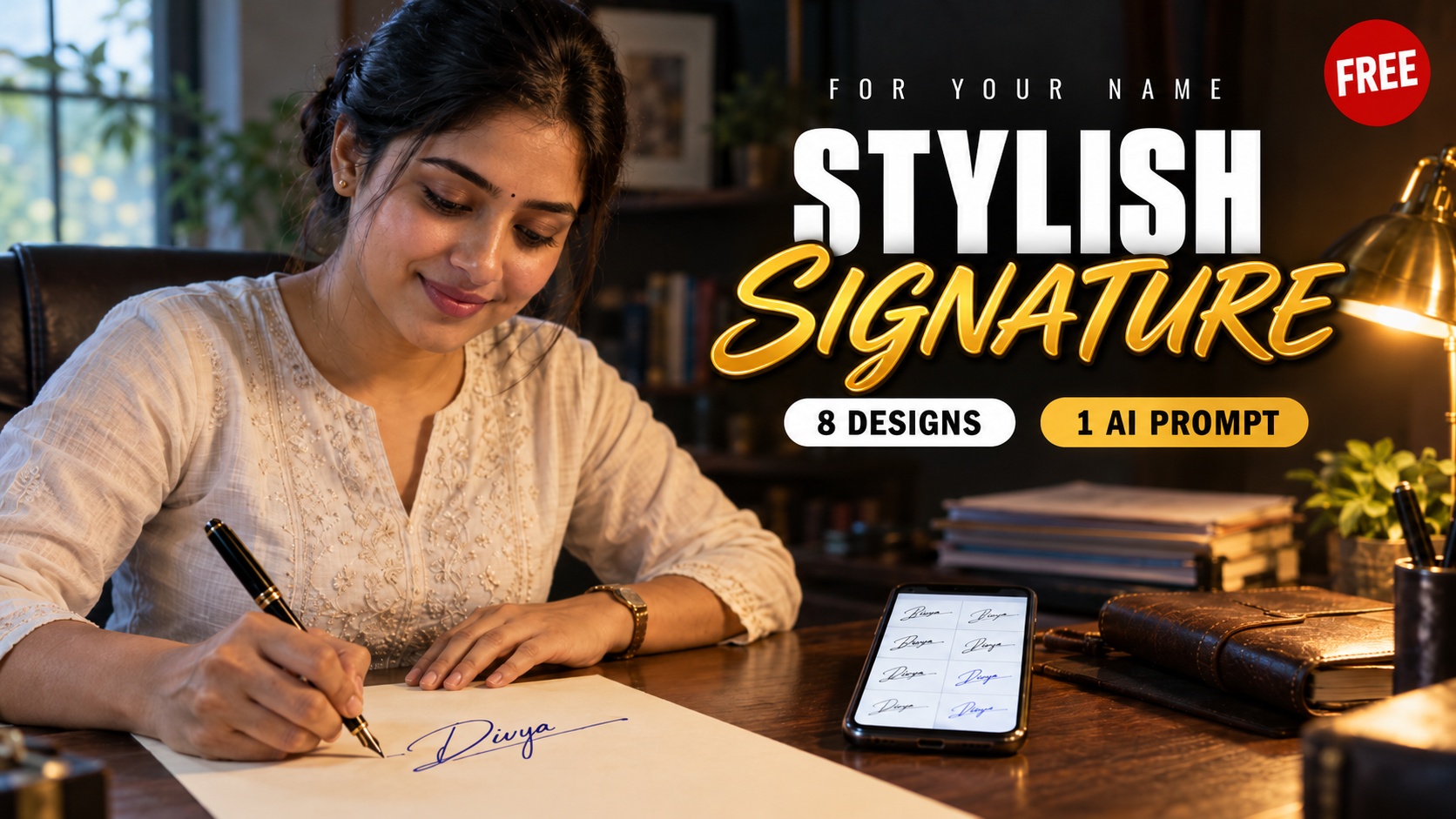
Many people freeze the moment someone pushes a form across the table and says “sign here”. Some still sign the same way they wrote their name in school. Others have a quick scribble that looks different every time, and the bank keeps asking them to sign again. If you feel a little shy about your signature, you are not alone, and getting a stylish signature is much easier than you think.
You do not need a calligraphy class for this. ChatGPT and Gemini can now draw handwriting-style images, so one prompt with your name gives you 8 signature designs to choose from. You pick the one you like, practice it for a few weeks, and then use it on bank forms, office files and anywhere else you sign. I have put the full prompt in a copy box at the end of this post. Along the way you will also find a simple practice plan and the steps to update your bank and PAN records.
Why Your Signature Deserves a Little Attention
A signature is the one piece of handwriting most of us still use every week. Cheques, delivery slips, rental agreements, school diaries, exam forms, the joining letter at a new job. Each time, someone looks at it for a second and quietly forms an opinion.
A neat, stylish signature does two jobs. It looks good in front of others, and it is hard for someone else to copy. A random scribble fails on both counts, because even you cannot repeat it the same way twice. That is why bank staff sometimes stop a cheque even when the real account holder signed it.
The good news is that a signature is not fixed for life. You can design a new one, as long as you practice it properly and update the places that already have your old one on record.
What You Need Before You Start
- A phone or laptop with ChatGPT or Gemini. The free plan of either app is enough.
- The exact spelling of the name you want to sign. Decide now whether you want your full name, first name with surname initial, or only initials.
- A few A4 sheets and two pens, one ball pen and one gel pen. You will practice with both.
- About 10 minutes a day for the next three weeks.
One small tip about the name. Short names like “Ru” or “Anu” look better in bold and initial-based designs, while longer names like “Karthikeyan” suit flowing and minimal ones. Keep that in mind when you choose your stylish signature from the 8 options later.
What the Stylish Signature Prompt Asks For
I have kept the full signature prompt in a copy box at the end of this post, so you can copy it in one tap. Before you get there, here is what it tells the AI to do and why each line is in there.
What each part of the prompt does
- [Your Name] is the only part you change. Type it exactly the way you want to sign, full name or initials.
- “Act as a professional signature designer” sets the tone, so the result looks like real pen strokes and not a computer font.
- The list of 8 styles gives you real variety instead of eight copies of the same design.
- “Easy to reproduce by hand” stops the AI from drawing loops and swirls that nobody can repeat.
- The last two lines keep every design original. More on why that matters further down.
If you already know which ink colour you like, change “black/blue” to just one of them. Many forms accept either colour, but some application forms ask specifically for black ink, so check before you sign anything important.
How to Use the Prompt in ChatGPT
- Open the ChatGPT app or website and log in. Start a new chat so older conversations do not affect the result.
- Paste the signature prompt with your name filled in and send it.
- Wait for the image. It can take a minute or so.
- Tap the image to open it full size and check the spelling in every option. Image tools sometimes miss a letter or join two letters in an odd way.
- Download the image to your gallery.
The free ChatGPT plan includes image generation, but it comes with a usage limit. So do not spend your tries on tiny changes. Ask for all your corrections in a single message.
How to Use the Prompt in Gemini
- Open the Gemini app, which comes built in on many Android phones, or the Gemini website. Sign in with your Google account.
- Paste the same signature prompt and send it.
- If you get a text description instead of a picture, add one line at the end: “Generate this as a single image.”
- Check the spelling and download the image.
Google lists image generation in Gemini’s free plan too, with standard usage limits. Running the prompt in both apps is a smart move. Each one draws handwriting in its own way, so you end up with 16 designs to compare instead of 8.
The 8 Signature Styles, Explained
Here is what to expect from each signature style the prompt asks for, and where each one fits best.
| Style | What it usually looks like | Best for |
|---|---|---|
| Clean & Professional | Readable full name, steady slant, no extra loops | Bank forms, office documents, your first job |
| Modern Minimal | Big first letter, the rest cut down to a few short strokes | People who sign many times a day |
| Stylish & Creative | Playful capital letters, a loop or underline that stands out | Artists, creators, personal notebooks |
| Executive Style | Strong first letters, a long confident underline, slight right lean | Managers, business owners |
| Initial-Based | Two or three initials linked together | Short names, very small signing boxes |
| Elegant Flowing | Joined cursive letters with smooth curves | Long names, formal letters |
| Bold | Thick, heavy strokes in a larger size | Short names that need more presence |
| Simple Everyday | A quick, clean version you can finish in two seconds | Delivery slips, school diaries, daily use |
At the bottom of the image, the AI marks three of these as “Professional”, “Stylish” and “Easy to Sign”. Treat those labels as a starting point, not the final answer. The right stylish signature is the one your hand can repeat without thinking.
How to Pick the Right Stylish Signature From the 8
Looking good on a phone screen is only half the test. Before you settle on one, run your top two or three options through these quick checks.
- The 3-second test. Can you sign it in about three seconds once you are used to it? Anything slower gets messy when you are standing at a counter with a queue behind you.
- The small-box test. Draw a box the size of the signature space on a cheque or an exam hall ticket. Does the design still fit and look clear?
- The repeat test. Sign it ten times on one page. If the ten look like ten different people signed them, the design is too complicated.
- The pen test. Try it with a cheap ball pen, not only a smooth gel pen. Real forms rarely come with good pens.
- The copy test. Ask a friend to copy it after seeing it once. If they get close on the first try, add one personal touch, like a special way of crossing a letter or a dot in an unusual spot.
If two options feel equally good, pick the simpler one. A plain signature you can repeat exactly is far better than a fancy one that comes out differently every time.
Useful Follow-Up Prompts
Once the first image comes, keep the same chat going. These follow-up lines save a lot of time.
- “Option 3 is missing the letter ‘v’. Redraw only option 3 with the correct spelling.”
- “Make option 5 a little simpler with fewer loops. Keep the same style.”
- “Show option 2 written five times in a row, slightly different each time, like a real person signing.”
- “Create a printable A4 practice sheet for option 6. First row in dark ink, next rows in light grey dotted lines for tracing, last rows empty.”
The practice sheet prompt is the most useful of the lot. Print the sheet, or keep it open on your phone and copy it onto paper. If you enjoy this kind of image prompt, our AI photo editing prompts for Vinayagar Chaturthi work the same way for festival photos.
How to Practice Your New Signature Style (21-Day Plan)
A stylish signature only looks good when your hand knows it by heart, and that muscle memory comes from repetition. Spread the practice over three weeks instead of filling twenty pages in one night.
| Days | What to do | Goal |
|---|---|---|
| Days 1 to 7 | Trace the design slowly, 20 to 30 times a day | Learn the shape and the order of strokes |
| Days 8 to 14 | Write it without tracing, at normal speed, one page a day | Get the same look every single time |
| Days 15 to 21 | Sign inside small boxes, on different paper, with different pens | Make it hold up in real situations |
A few habits make the practice go faster:
- Start on ruled paper, then move to plain paper. The lines help you keep the height steady.
- Keep your arm and fingers loose. A tight grip makes the strokes shaky.
- Close the AI image after the first week. Look at it once in the morning, then sign from memory.
- Use the new signature for small things first, like your own notebook or a shopping list, before you use it on anything official.
Before You Use It on Bank and Government Documents
This is the part most people skip, and it causes real trouble later. Your bank, your PAN card and other records already have your old signature saved. Starting a new signature does not change those records on its own.
Updating your bank signature
Banks compare the signature on your cheque or withdrawal slip with the specimen signature in their system. If the two do not match, the transaction can be rejected. To update it:
- Go to your home branch, the one where you opened the account.
- Ask for the change of signature form. Some banks accept a simple written request instead.
- Carry a photo ID such as Aadhaar, PAN or passport, along with a photocopy.
- Sign your new signature on the form as the specimen. Many banks ask for it more than once.
Any cheques you already gave with the old signature, such as post-dated cheques for rent or a loan, may get returned after the change. Replace them with fresh ones. Until the bank confirms the update, keep using your old signature there.
Updating the signature on your PAN card
The signature printed on your PAN card can be changed too. You can apply for PAN correction online through Protean or UTIITSL, or offline at a PAN centre, and the Income Tax Department’s PAN correction page links to both portals. In the online form, tick the signature mismatch option and upload your new signature. A small fee applies. On the UTIITSL PAN services site, the option is listed as Change/Correction in PAN Card.
Online forms and e-signing
Job applications, exam registrations and many government forms ask you to upload a scanned signature. Always upload a scan or a clear photo of your own handwritten signature on white paper, never the AI image. Most of these forms prefer black ink and have their own file size limit, so read the instructions before you scan.
Also keep in mind that a signature picture pasted into a PDF is not the same as a legal e-signature. For official e-signing, India uses methods like Aadhaar eSign or a Digital Signature Certificate.
Common Mistakes to Avoid
- Changing it again and again. Pick one design and stay with it. A signature that changes every few months creates headaches at the bank.
- Going for the fanciest design. A stylish signature does not need loops and swirls. They look nice on screen but fall apart when you sign fast.
- Skipping the spelling check. Image tools sometimes drop or swap letters. Check every option letter by letter.
- Making it too small. A tiny signature is hard to verify. Keep it about the size of your normal handwriting, or a little bigger.
- Using it officially too early. Practice your new signature until you can sign it the same way without thinking. Only then update your records.
Questions People Usually Ask
Is it free to make a stylish signature this way?
Yes. The free plans of ChatGPT and Gemini both include image generation. Both have usage limits, so try to get what you need within a few messages.
Can I use the AI image directly as my signature?
No. The image is only a design reference. Your real signature is the one you write with your own hand, and that is the one to use on paper and in scanned uploads.
Does the stylish signature prompt work for Tamil names?
It works best when you type your name in English letters. You can try Tamil script too, but image tools may get some Tamil letters wrong, so check each one carefully before you start practising.
Which is better for this, ChatGPT or Gemini?
Neither one is clearly better. Each draws handwriting differently, so run the same prompt in both and pick the design you like the most.
How long does it take to get used to a new signature?
With 10 minutes of practice a day, most people feel comfortable in two to three weeks. Some take a little longer, and that is completely fine.
Can I legally change my signature?
Yes, you can change your signature whenever you want. You only need to update it with your bank, on your PAN card and anywhere else your old signature is on record.
Start With One Prompt Tonight
Most people never fix their signature because they think it needs artistic talent. It does not. Copy the stylish signature prompt from the box below, put your name in it, and see what ChatGPT or Gemini gives you. Choose one design, practice your new signature for three weeks, and then update your bank and PAN records.
If you like using AI for small personal jobs like this, our ChatGPT guide with its best features and uses shows what else the same app can do. You will find more guides like this one in the Apps and AI Tools section on ReelsTamil.
Copy the Stylish Signature Prompt
Tap the Copy Prompt button under the box, open ChatGPT or Gemini, paste it and change [Your Name] to your own name before you send it. On a phone, you can also press and hold inside the box to select the text.